




Description
Download WiFi File Transfer APK – wireless file transfer, file sharing, mobile file manager, Android tool, PC software
Overview
WiFi File Transfer APK is a lightweight, wireless file transfer utility designed for Android devices. It enables users to send and receive files between mobile devices and computers without the need for cables, USB connections, or third-party cloud services. The app is particularly useful for individuals who frequently exchange documents, media, or project files across multiple platforms. Its core functionality centers around creating a local wireless network, allowing direct file access via a web browser on any connected device.
Target users include students, remote professionals, and tech-savvy individuals who value speed and convenience in file sharing. The app supports simultaneous uploads and downloads, making it efficient for transferring multiple files at once. It also allows users to transfer entire folder structures, which is beneficial for organizing and moving large sets of data. The ability to access files directly through a browser enhances usability, especially when working on a desktop without installing additional software.
While the developer’s background is not specified, the app’s functionality suggests a focus on simplicity and accessibility. It operates as a background service, ensuring continuous availability even when the device is in use. The app is suitable for use in various environments, from classrooms and offices to travel scenarios where physical connections are impractical.
Key Features & Capabilities
- Wireless File Transfer: Enables direct file sharing between Android devices and PCs over a local Wi-Fi network, eliminating the need for cables or cloud storage.
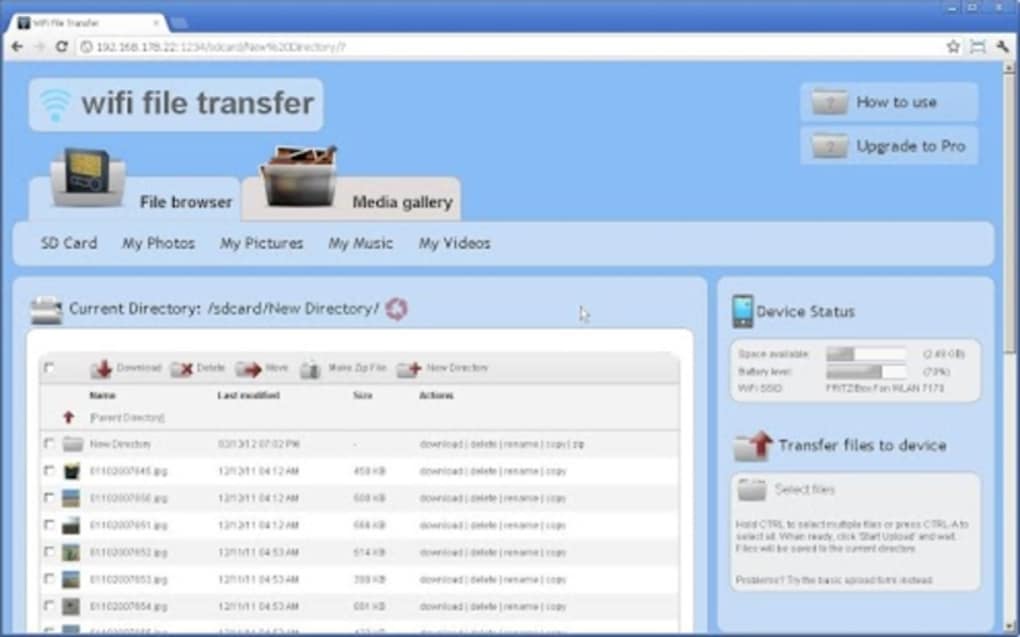
- Web-Based Access: Files can be viewed and managed through any web browser, providing cross-platform compatibility and ease of access.
- Simultaneous Transfers: Supports uploading and downloading multiple files at once, improving efficiency during bulk file operations.
- Folder Structure Transfer: Allows entire directory hierarchies to be transferred, preserving file organization during migration.
- Built-In File Manager: Offers tools for copying, zipping, unzipping, renaming, and deleting files directly within the app.
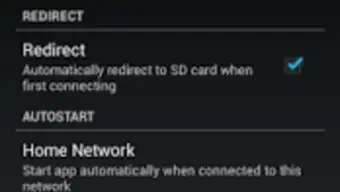
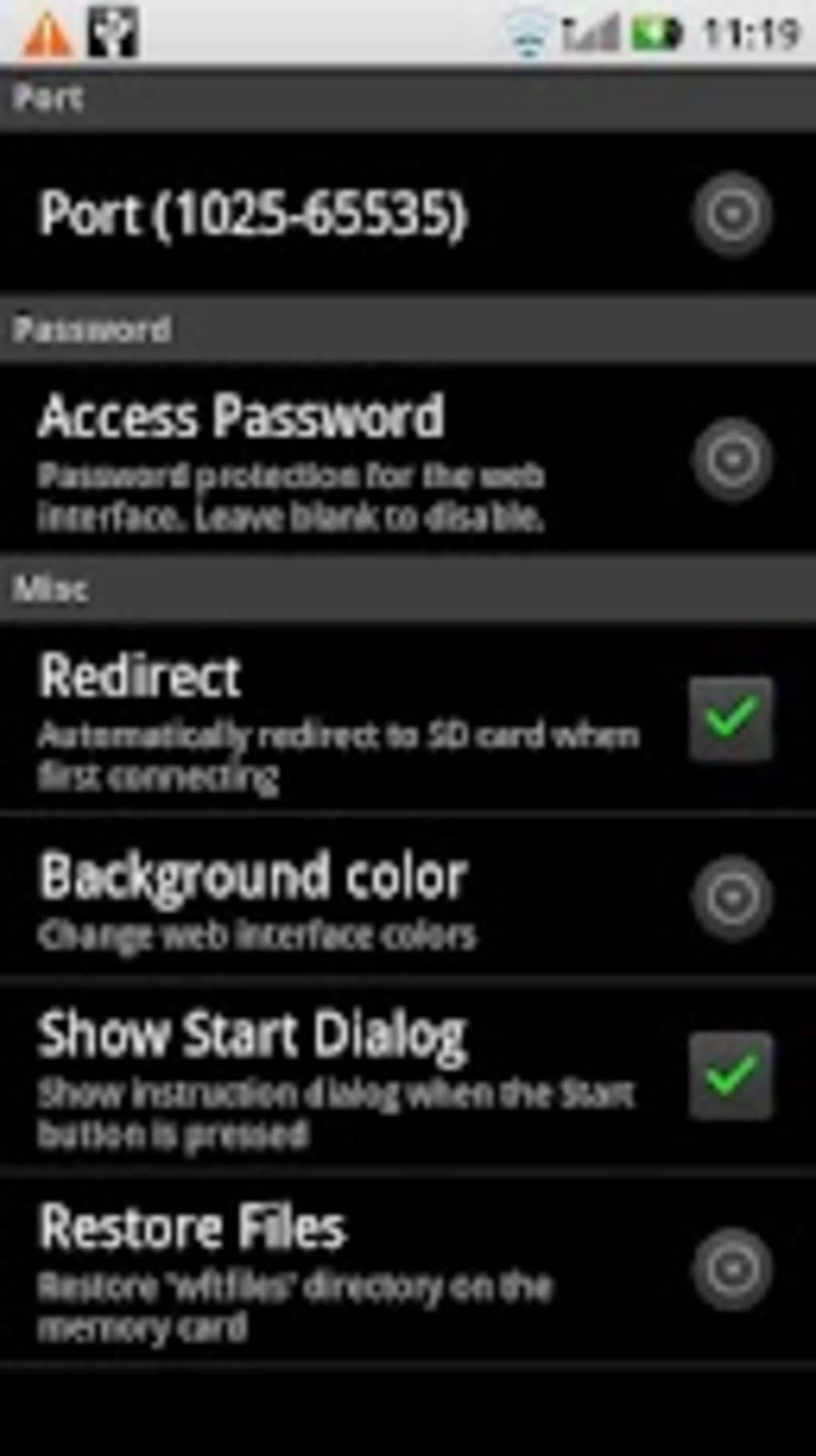
- Password Protection: Includes an option to secure the file transfer interface with a password, enhancing privacy for sensitive data.
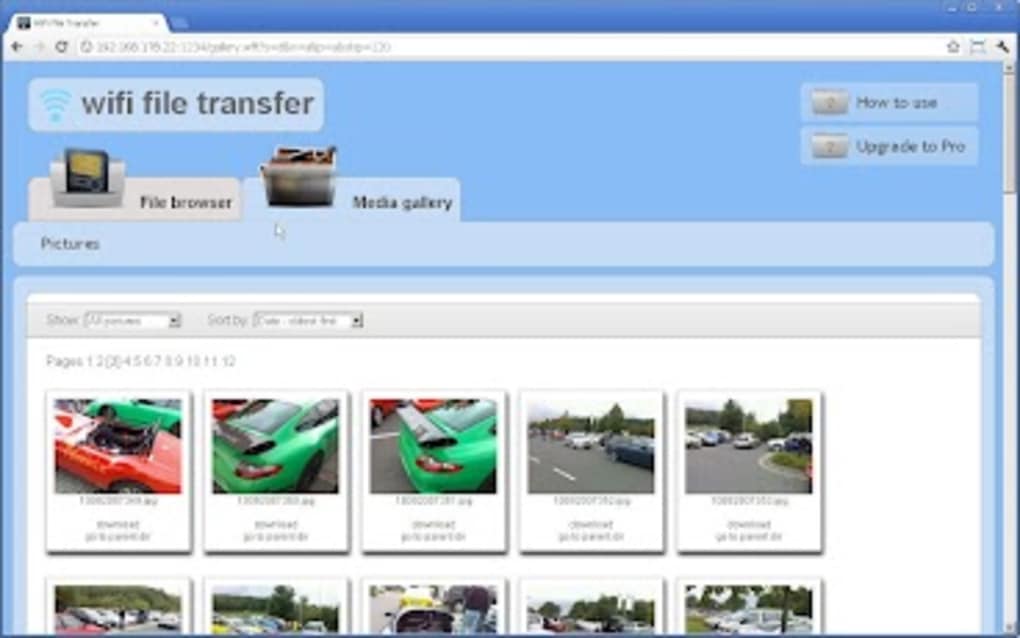
- Quick Access to Media: Provides shortcuts to common media directories, including photos, videos, and music, streamlining access.
- Background Service Mode: Continues running even when the app is closed, ensuring consistent availability.
- USB and SD Card Support: Grants access to external storage devices connected to the Android device.
- Hotspot Compatibility: Functions properly even when the device is operating in hotspot mode, increasing usability in mobile scenarios.
User Interface, Workflow & Performance
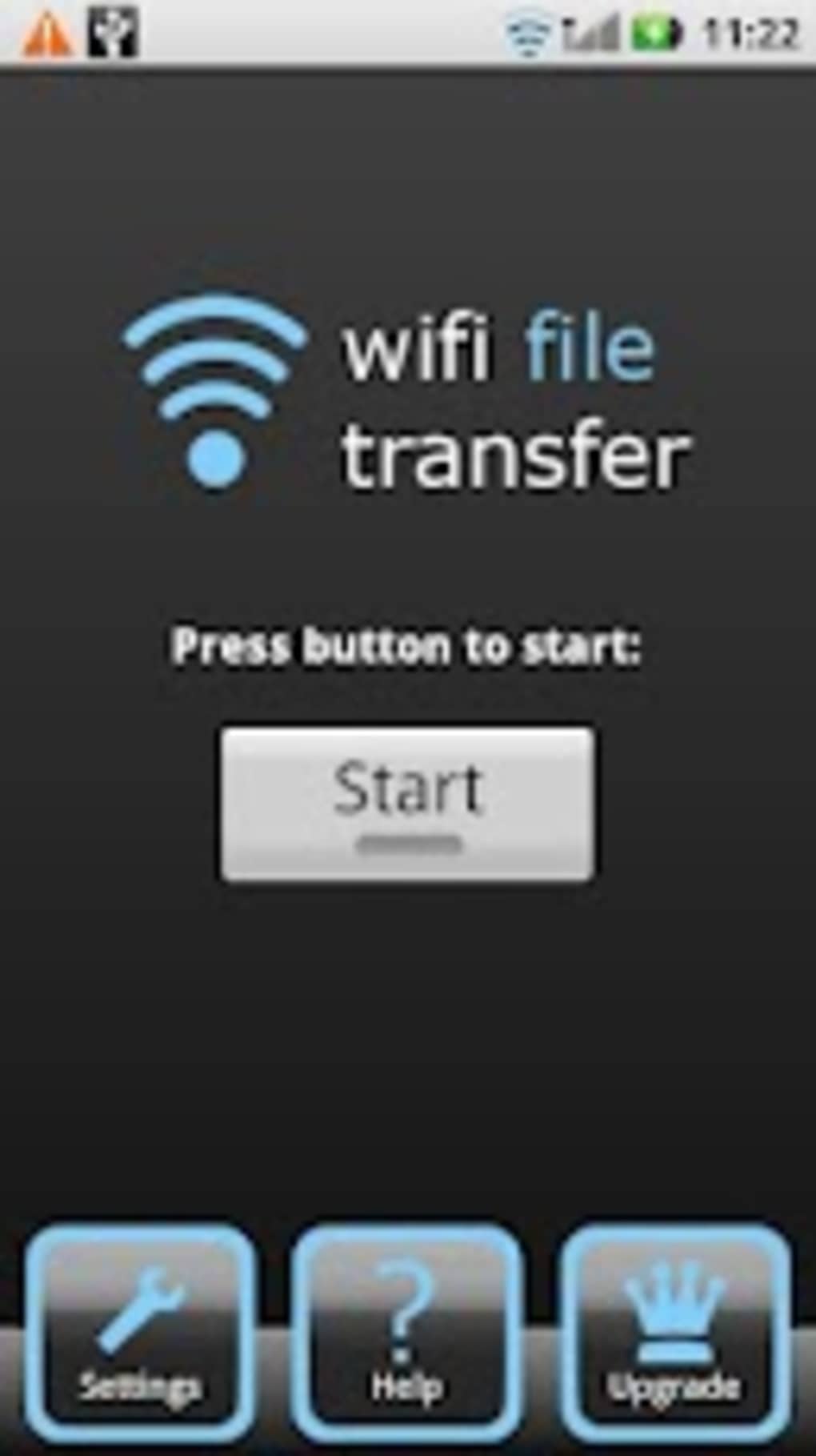
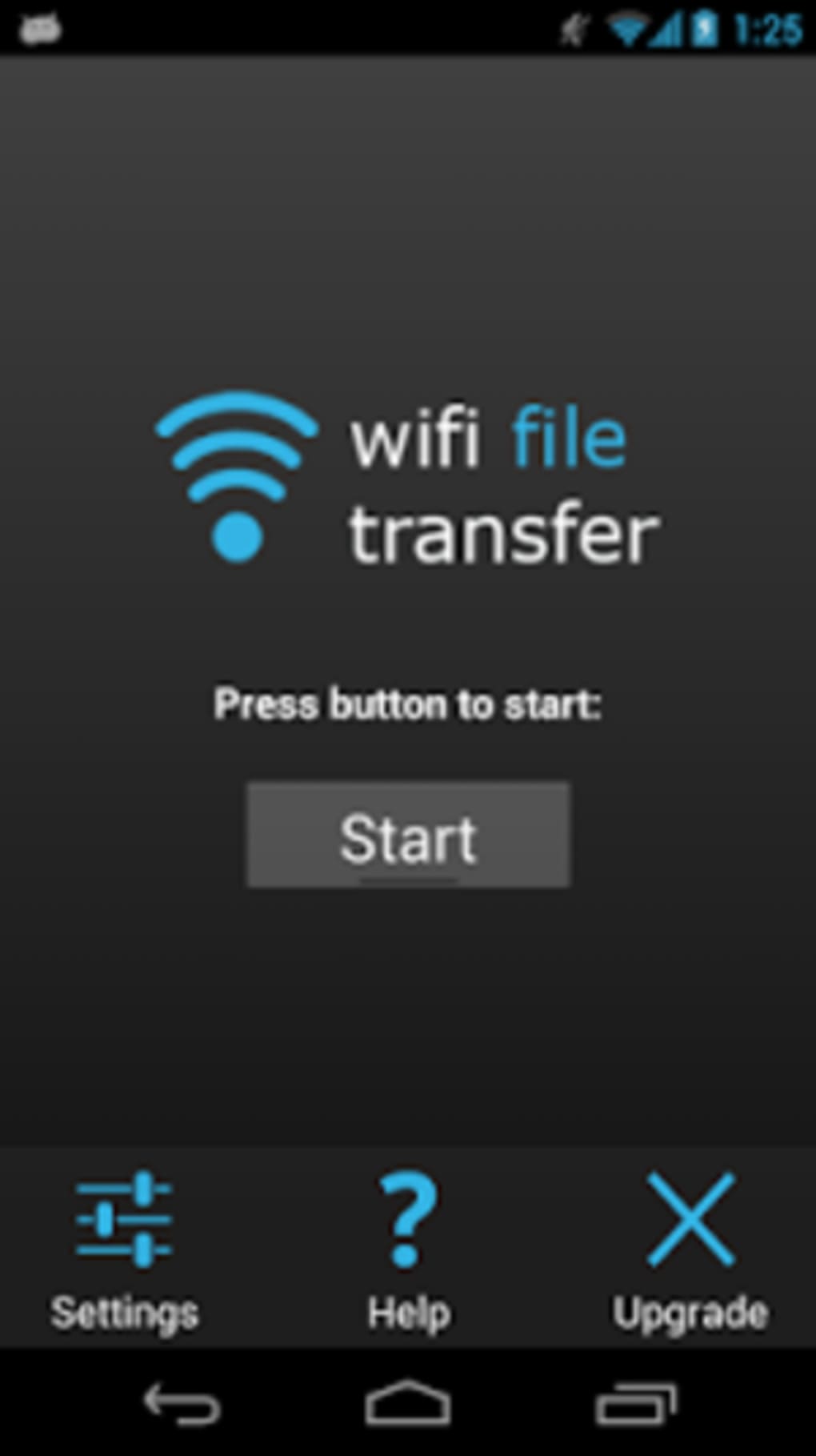
The user interface of WiFi File Transfer APK is designed with minimalism and functionality in mind. The main screen displays a simple list of accessible files and folders, with intuitive icons for common actions such as upload, download, and file management. Navigation is straightforward, allowing users to move through directories with ease. The built-in file manager supports basic operations like renaming, copying, zipping, and deleting files, all accessible through context menus or dedicated buttons.
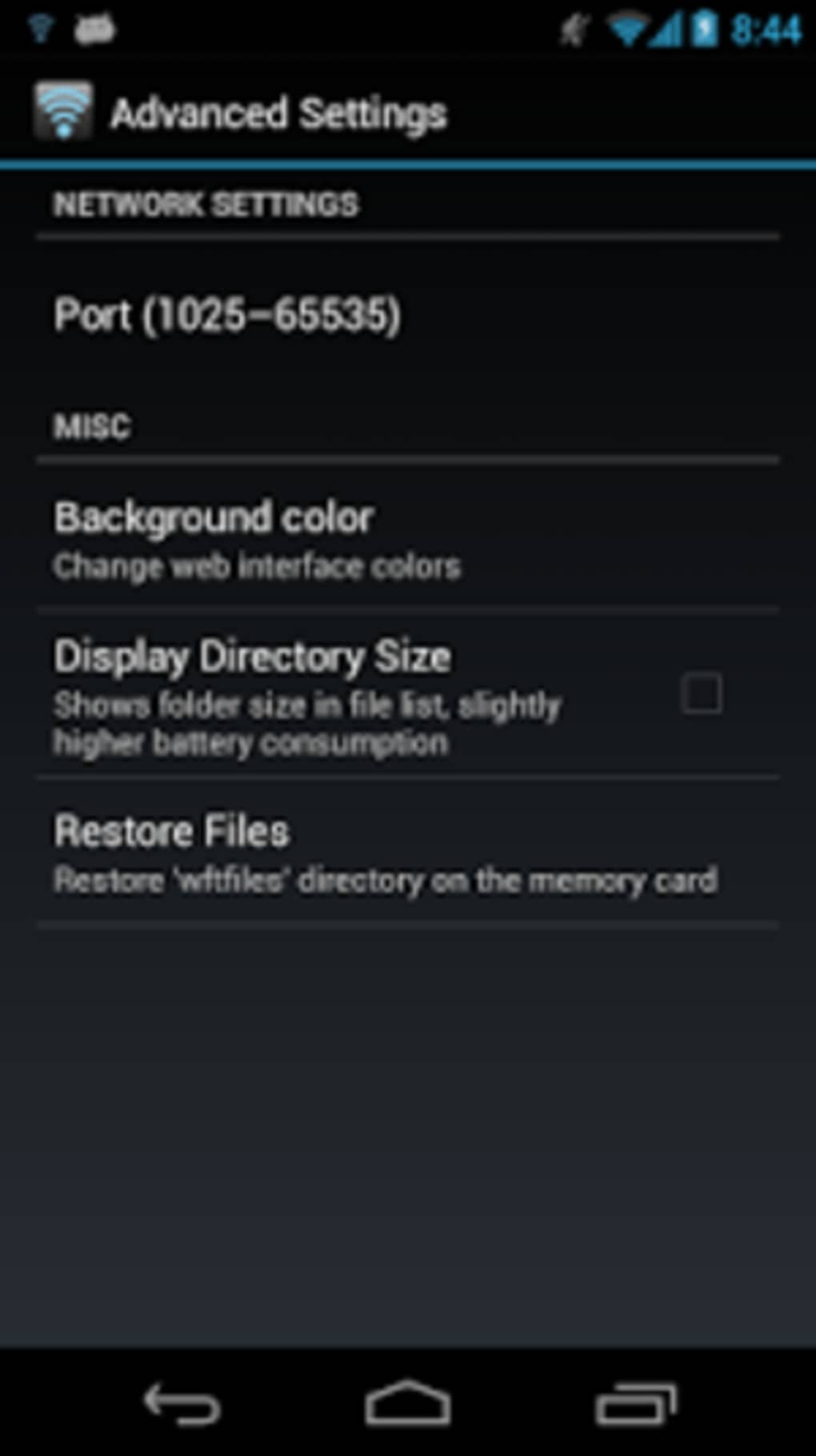
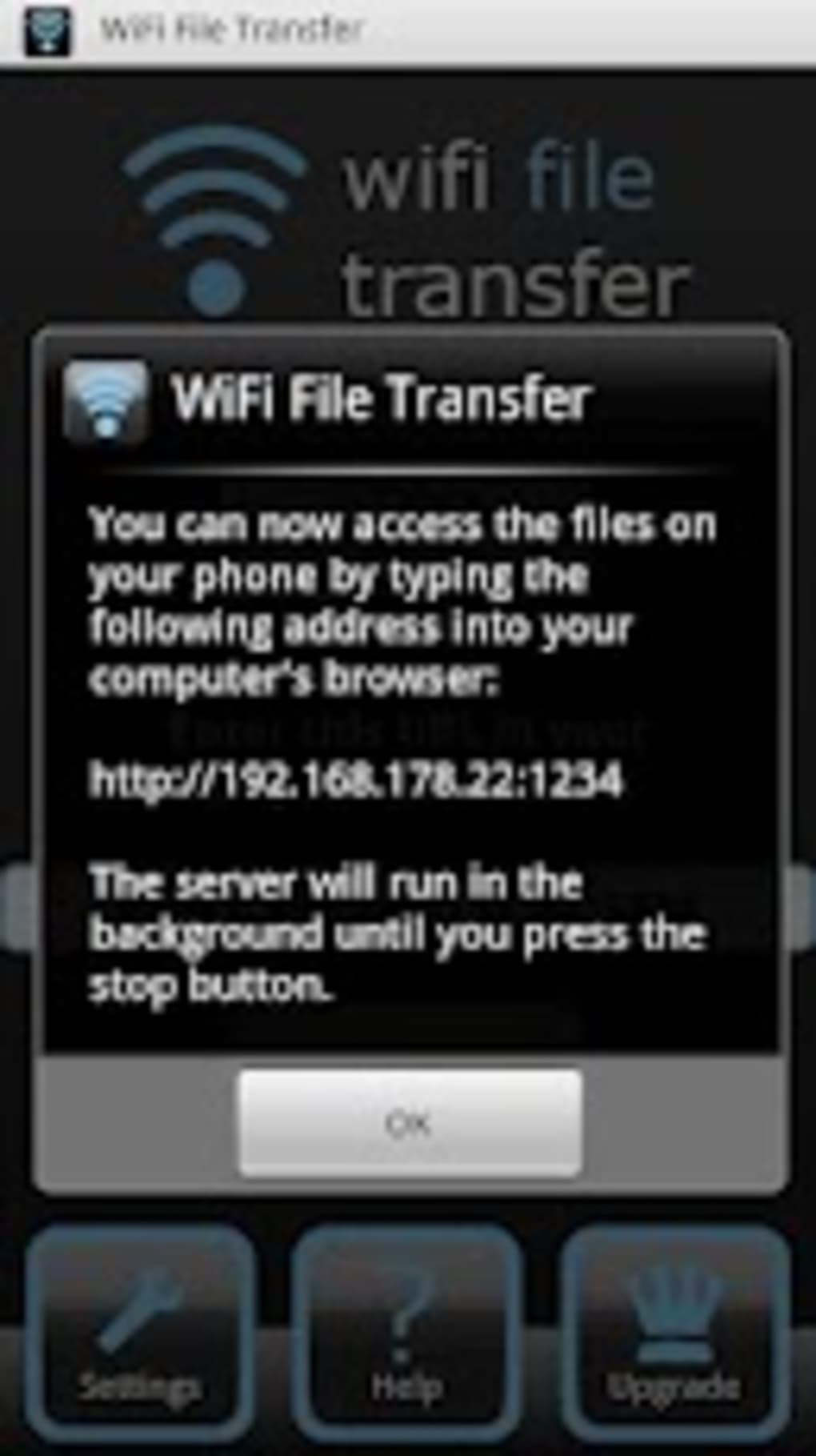
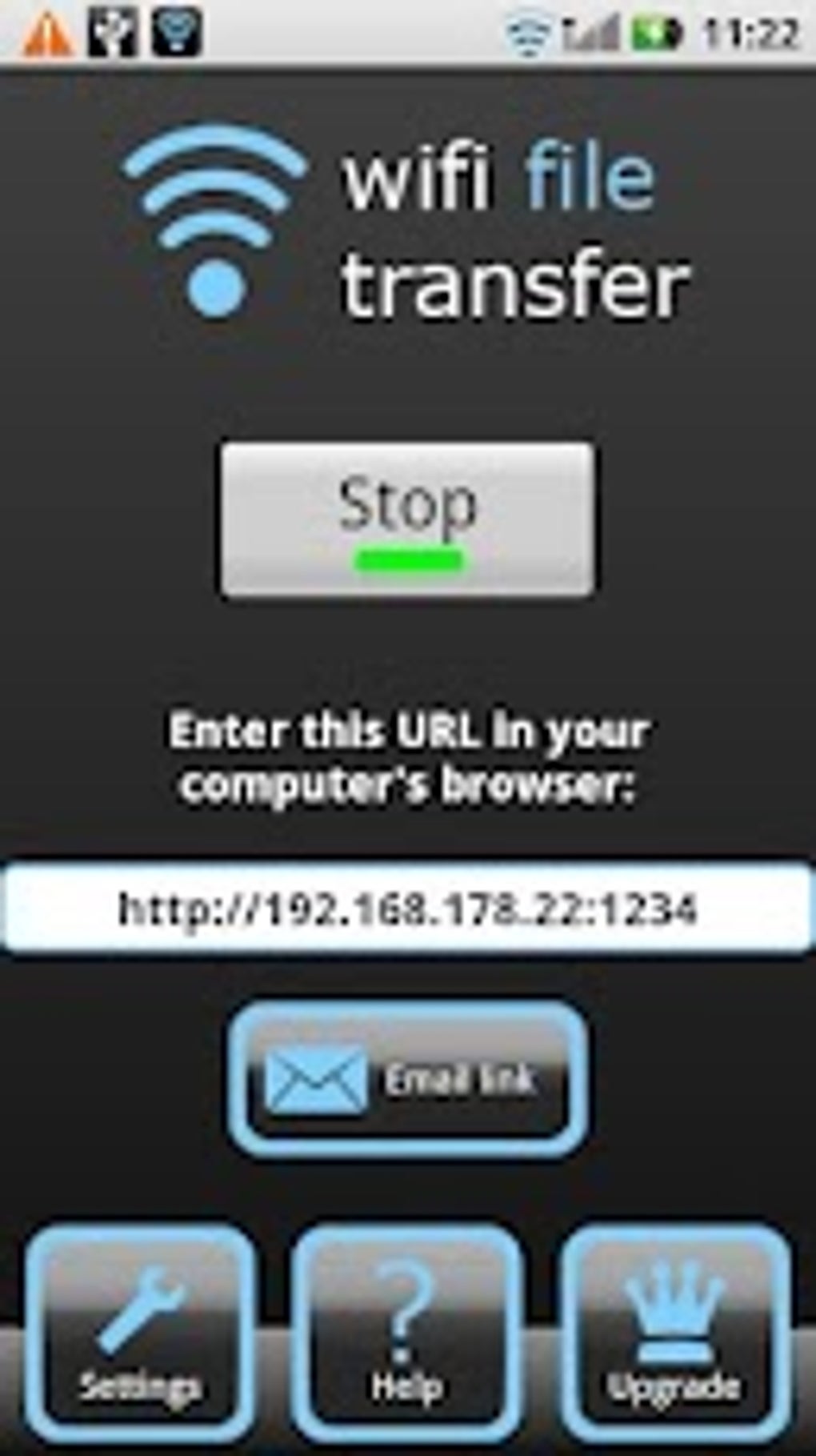
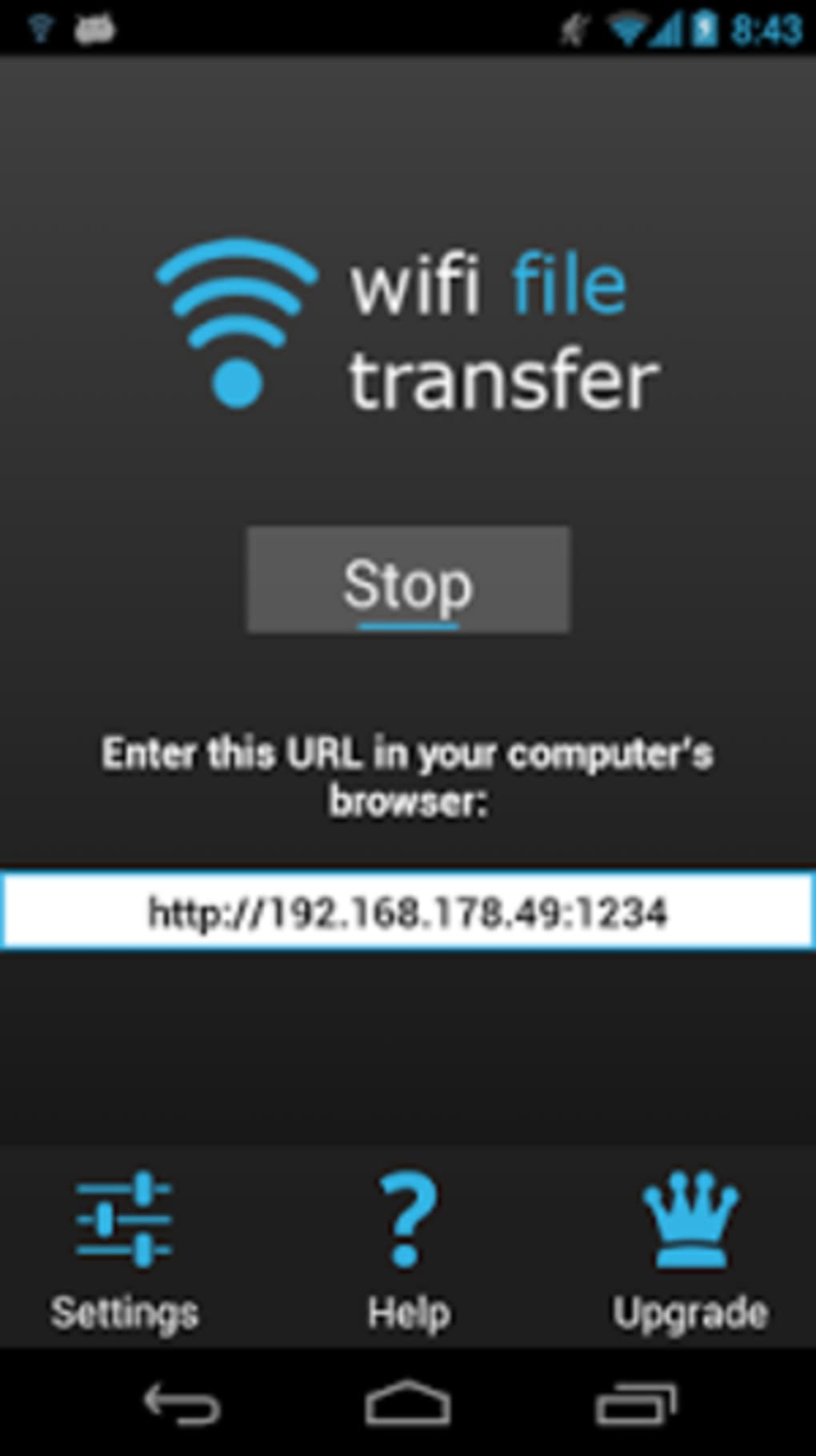
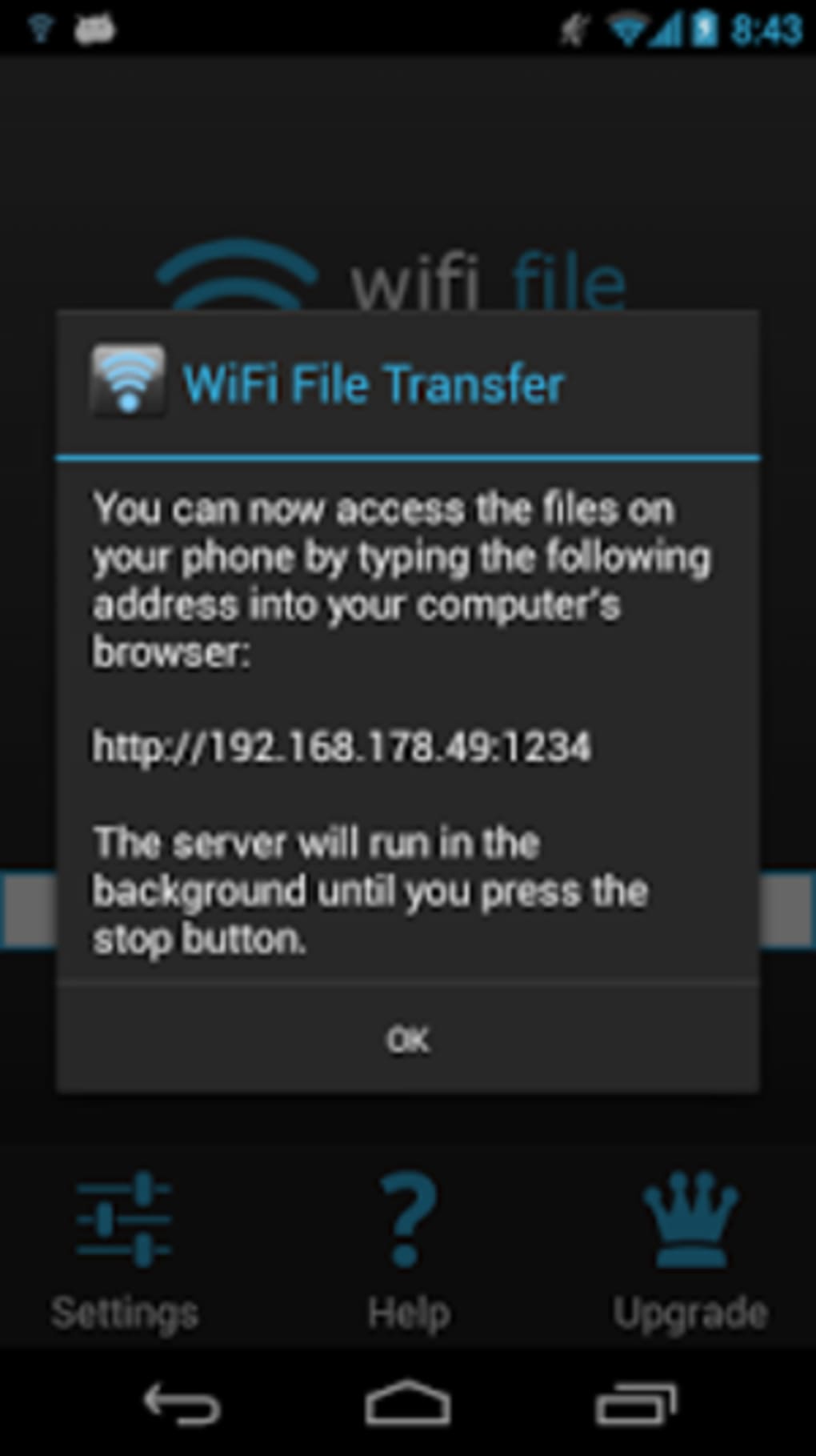
Workflow efficiency is high, as users can initiate file transfers directly from a web browser on a PC or tablet. The process typically involves launching the app, noting the local IP address and port, and entering that into a browser to access the file interface. Once connected, file selection and transfer are performed with minimal clicks. The app runs as a background service, which means it remains active without requiring constant user attention.
The developer did not specify resource usage details. Performance observations are based on general software behavior patterns. The app is reported to have a small footprint, suggesting low CPU and memory consumption. Stability appears to be consistent, with no widespread reports of crashes or freezes. However, actual performance may vary depending on network speed and device capabilities.
Compatibility & System Requirements
WiFi File Transfer APK is designed for Android operating systems. The app supports a wide range of Android devices, though exact compatibility details were not listed. Installation size is minimal, indicating low storage requirements. The app functions over Wi-Fi networks and does not require an internet connection, making it suitable for local transfers.
Exact system requirements were not listed. The developer did not specify minimum Android version, RAM, or CPU specifications. Compatibility with older or newer devices may depend on the individual device’s software configuration and network capabilities. The app is known to work with USB and SD card storage, suggesting support for common external storage formats.
Pros and Cons
Pros
- Wireless file transfer without cables or cloud services
- Simple, intuitive interface with quick setup
- Supports simultaneous multi-file transfers
- Web-based access from any device with a browser
- Includes built-in file management tools
- Runs as a background service for continuous availability
- Offers password protection for secure transfers
- Compatible with USB and SD card storage
- Functions while device is in hotspot mode
- Small installation size and low resource usage
Cons
- Does not support direct file sharing with iOS devices
- Requires both devices to be on the same Wi-Fi network
- No built-in cloud sync or automatic backup features
- Security relies on user-configured password; no advanced encryption
- Interface is basic and lacks advanced customization options
- Not available on official app stores (APK only)
- May not work reliably on all network configurations
- Limited support for file types beyond standard documents and media
FAQ Section
Is WiFi File Transfer APK compatible with all Android devices?
The app is designed for Android, but specific compatibility details were not provided. It may work on most devices running a standard Android OS, though performance can vary based on device configuration and network settings.
Is the app safe to use?
WiFi File Transfer APK is considered safe when downloaded from trusted sources. It operates locally over Wi-Fi and does not require internet access. However, users should ensure they use password protection when transferring sensitive files to prevent unauthorized access.
How do I update the app?
Updates are typically released through the developer’s website or third-party APK platforms. Users should check for new versions manually, as the app is not available on official app stores.
Does the app require an internet connection?
No. The app operates over a local Wi-Fi network and does not require an internet connection. It creates a private network between devices for file transfer.
Can I use the app on multiple devices at once?
Yes, the app can be used on multiple Android devices simultaneously, provided each device is connected to the same Wi-Fi network. However, each instance operates independently.
Final Thoughts
WiFi File Transfer APK delivers a reliable, no-frills solution for wireless file sharing between Android devices and PCs. Its web-based interface, support for bulk transfers, and built-in file management tools make it a practical utility for students, professionals, and casual users alike. The ability to run in the background and function during hotspot use adds significant flexibility. While it lacks advanced features like cloud integration or iOS support, its core functionality is solid and efficient.
For anyone seeking a fast, secure, and free way to transfer files without wires, this app is a strong contender. Its minimal footprint and straightforward workflow ensure it gets straight to work. Whether you're moving photos from your phone to your laptop or sharing project files between devices, WiFi File Transfer APK simplifies the process.
Download WiFi File Transfer APK now
Guides & Tutorials for WiFi File Transfer APK
How to install WiFi File Transfer APK
- Click the Preview / Download button above.
- Once redirected, accept the terms and click Install.
- Wait for the WiFi File Transfer APK download to finish on your device.
How to use WiFi File Transfer APK
This software is primarily used for its core features described above. Open the app after installation to explore its capabilities.
User Reviews for WiFi File Transfer APK 0
No reviews found





